Adding a new resident
Adding a resident manually
Log in to StaffHub as an Org Admin
Click on the Residents folder and click Residents
Click on “Admit residents” on top right corner
Add first and last name
Add a preferred name if applicable
Add the resident's date of birth
Add Wing & Room
Select “Admit” on bottom right corner of pop up window
New Resident will appear in the "Residents" section
Adding a resident via CSV
Assigning a tablet to a resident
*Ensure your tablet is connected to Wi-Fi before starting the process
**Screenshot any issues that occur during the login process and email support@reshub.ie
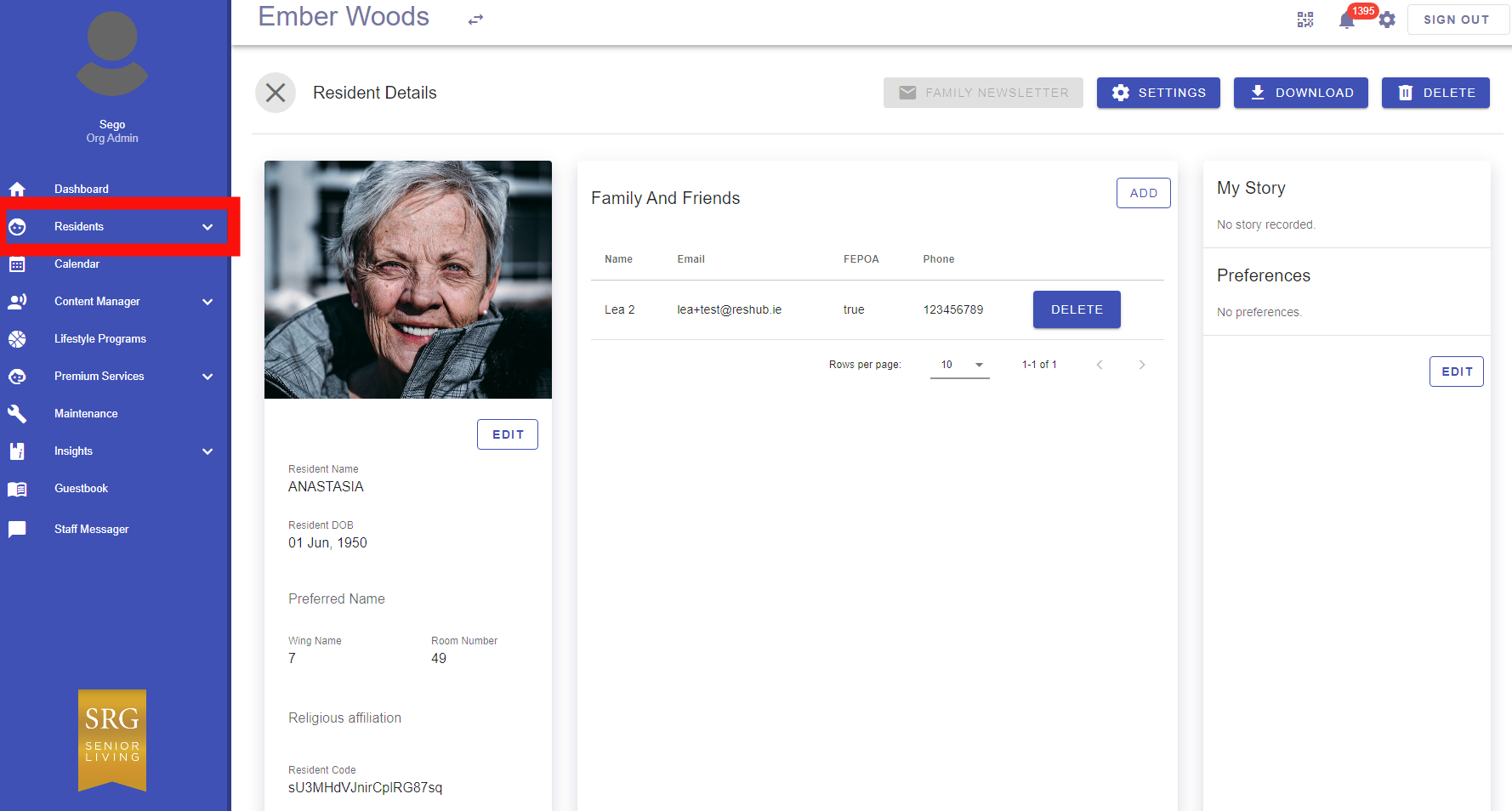
Open StaffHub, then on the left handside navigation, click on the Residents folder and click Residents, then select the name of the Resident:
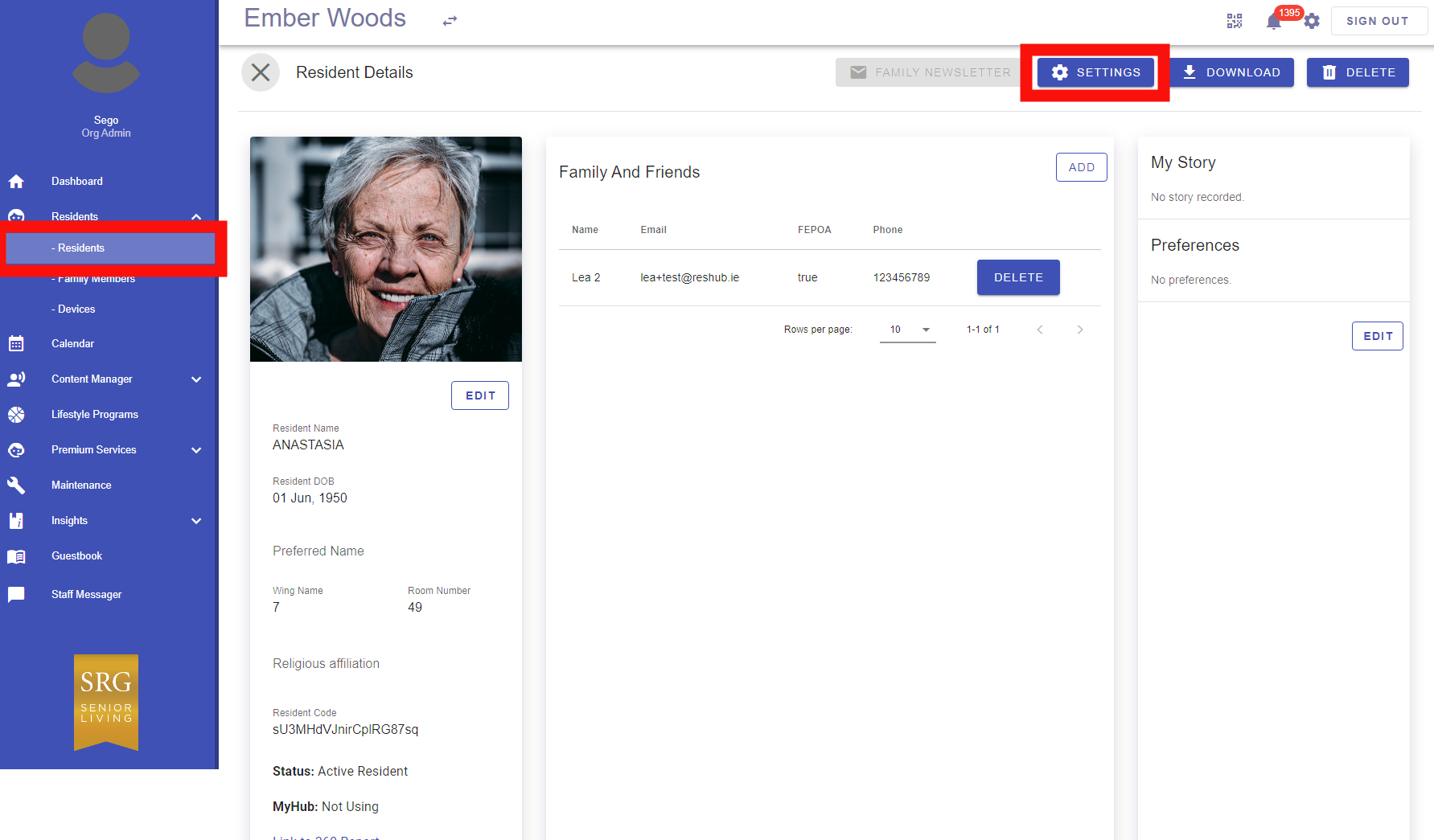
Click Settings above the Resident profile
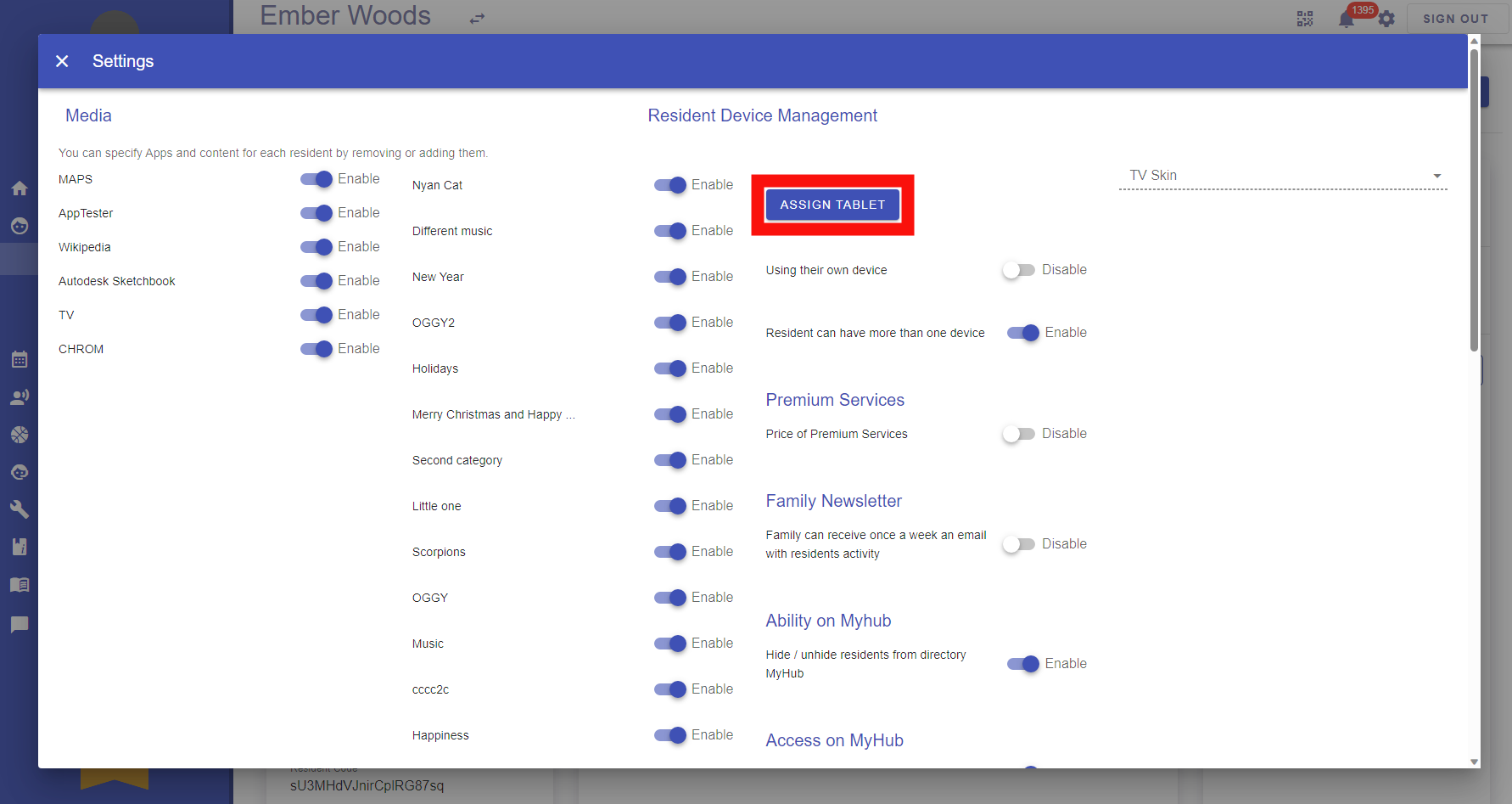
Click “Assign tablet” at the top of the popup window
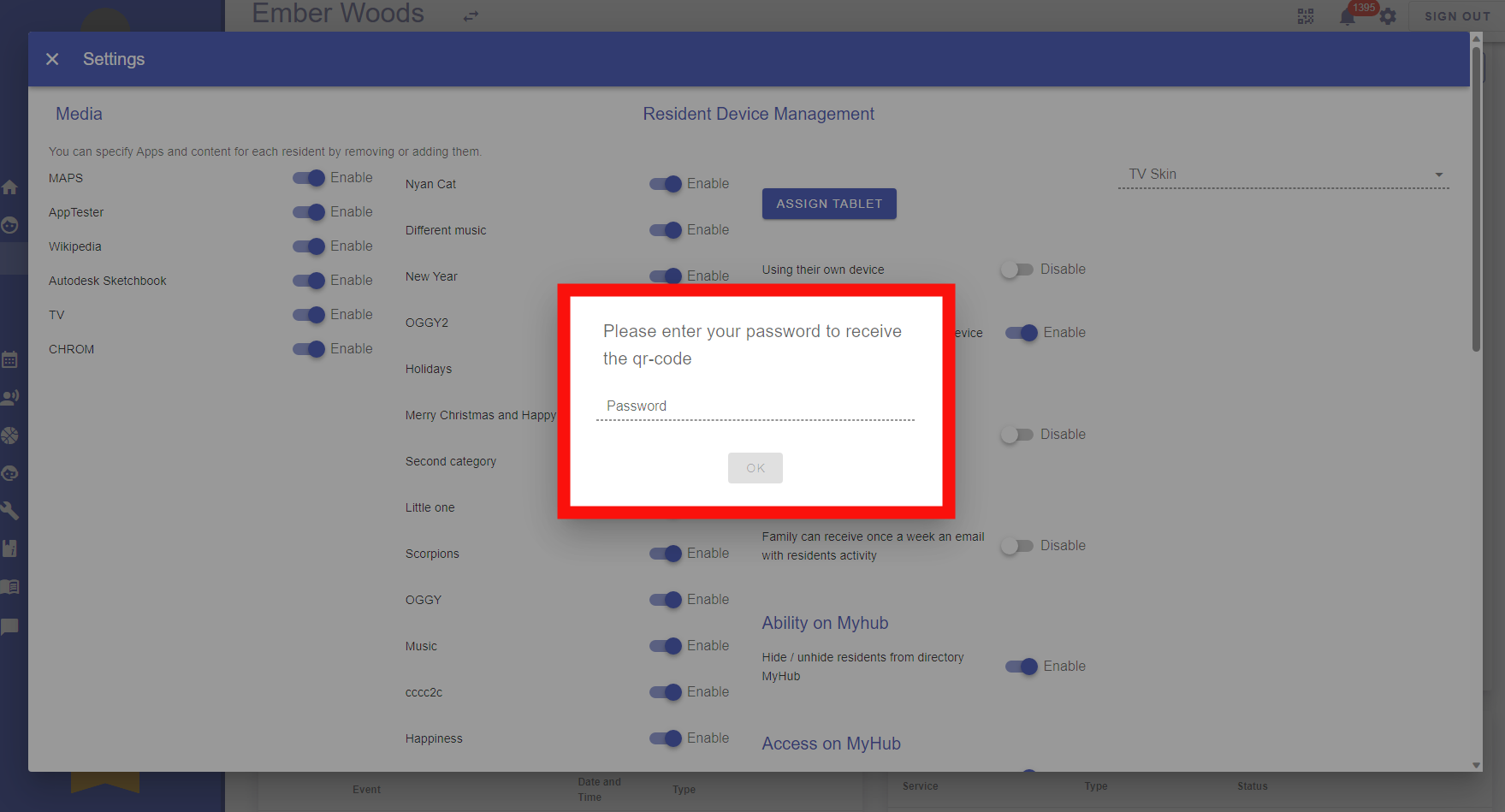
Enter your password
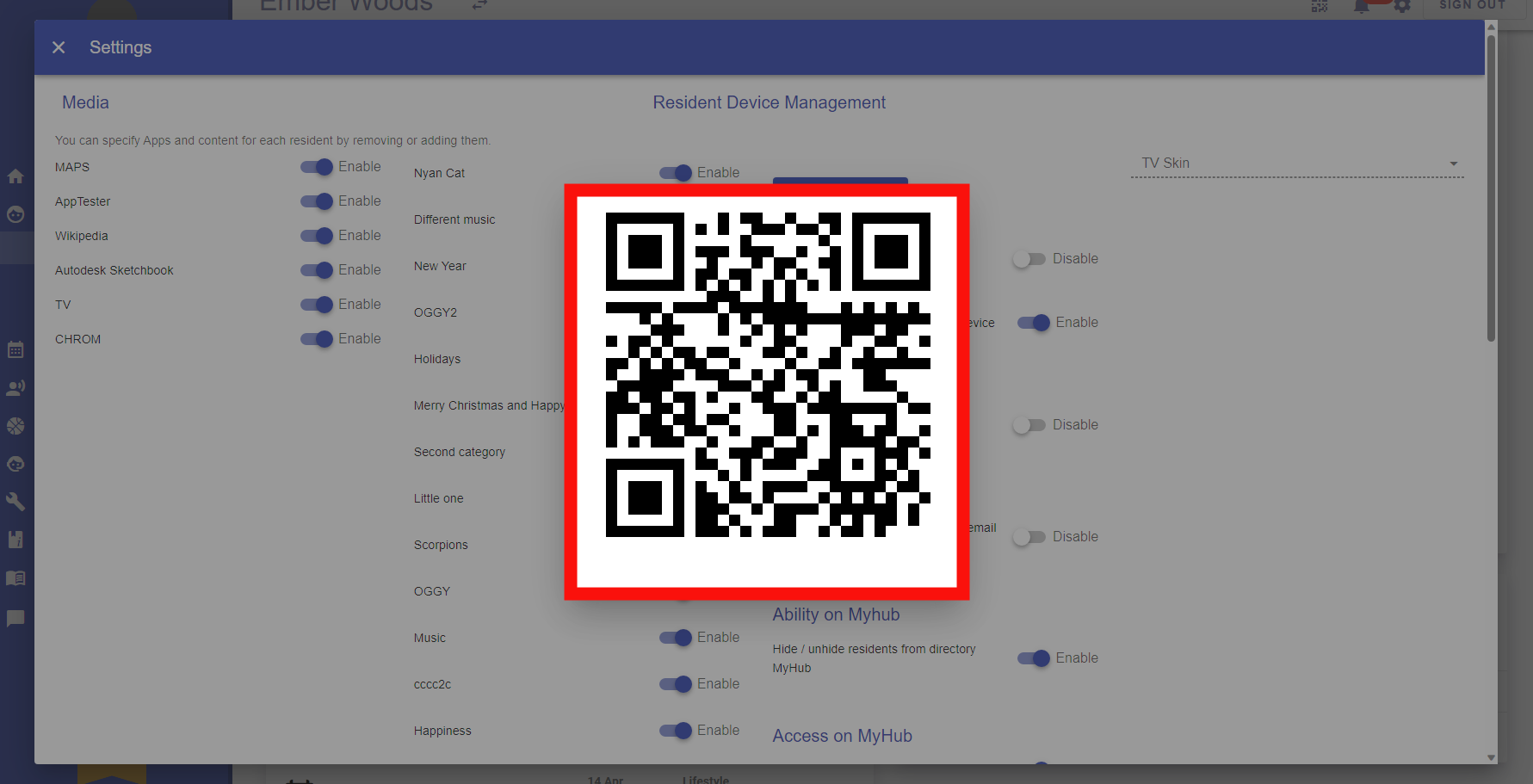
A pop up window with a QR Code will appear
Take the device and on the Login Page, select “QR Code”
Use the device camera to scan the QR Code for the device to be assigned